Imagine never having to wonder if there’s mail in your mailbox again. With a simple yet effective home automation setup, you can receive instant notifications on your dashboard whenever mail is delivered. Even better, the system automatically resets the alert when you empty the mailbox, ensuring you always stay updated without any manual intervention. Let’s dive into how you can achieve this seamless automation using Home Assistant and a couple of door sensors.
Implementation
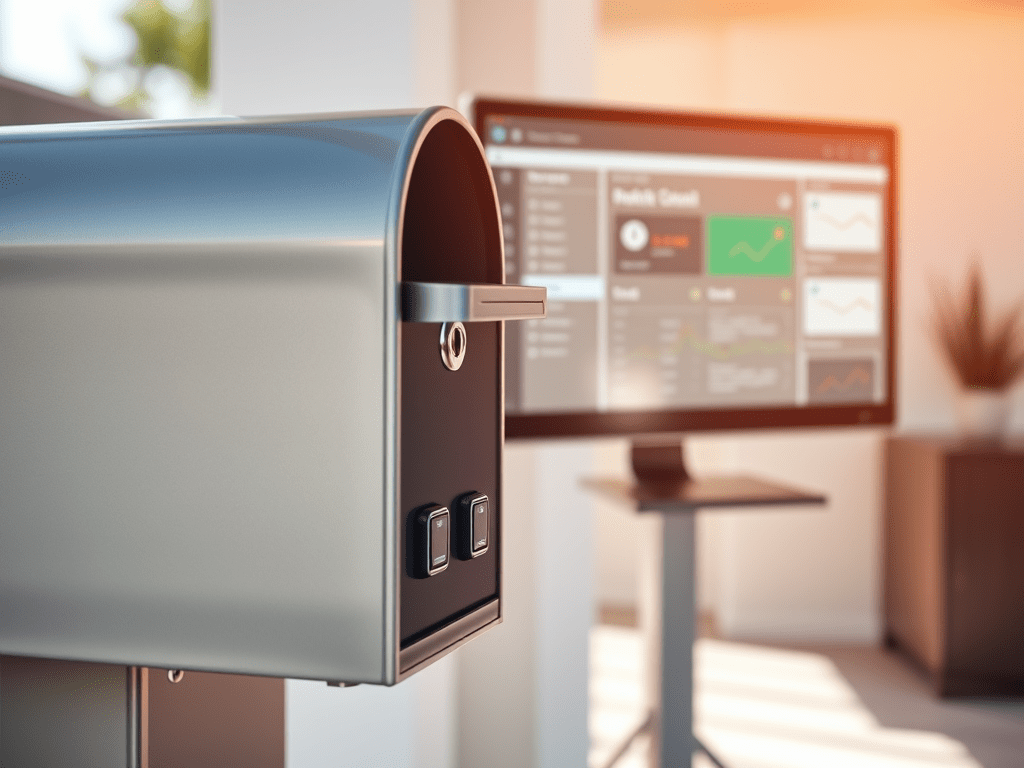
To create this automation, you’ll need two door sensors: one on the inlet of the mailbox and the other on the door you open to retrieve the mail. Here’s a step-by-step breakdown of the YAML code that makes this magic happen:


 { Think Rethink }