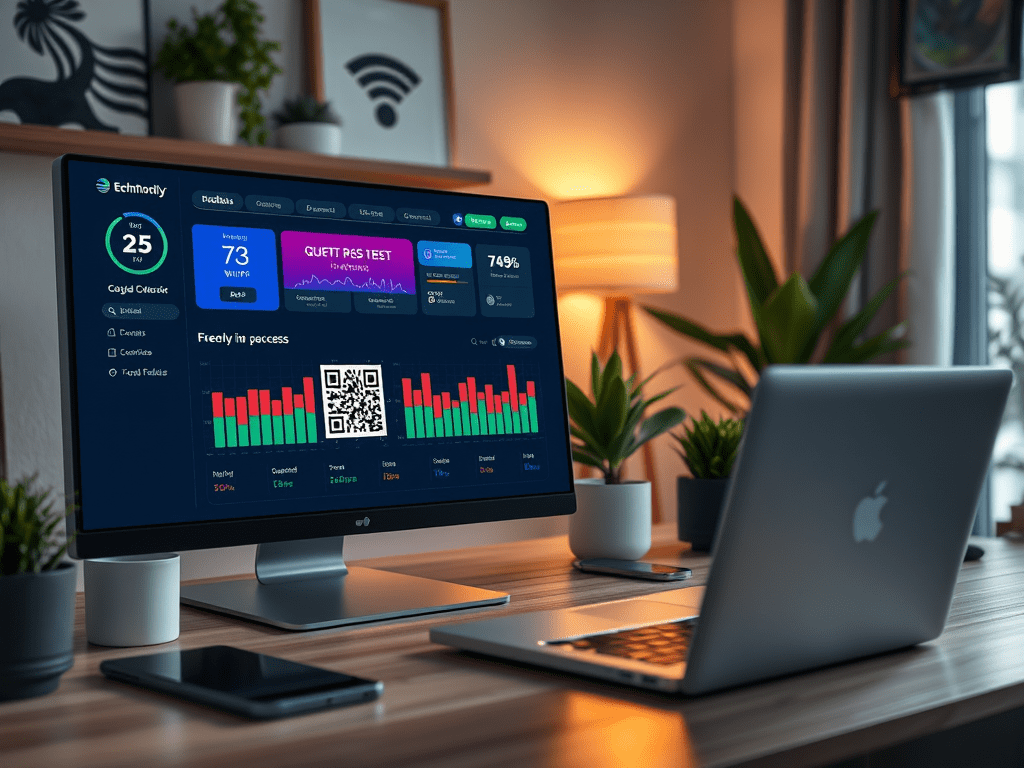
Setting Up Your Guest Network QR Code
Implementing this feature is easier than you might think. Here’s a quick rundown of the steps:
Continue reading “Quick and Easy Guest Network Access with Home Assistant”
Ever had guests over who needed to connect to your Wi-Fi, and you found yourself reciting your 20-character password like a spell from a wizarding school? 🧙♂️ Well, say goodbye to those days! With Home Assistant, you can create a dashboard page with a QR code that guests can scan to join your network instantly. It’s like magic, but better—because it actually works!
Implementing this feature is easier than you might think. Here’s a quick rundown of the steps:
Continue reading “Quick and Easy Guest Network Access with Home Assistant”In the realm of smart home automation, customization is key to creating a personalized environment. Home Assistant excels in this area, particularly with its badge customization on your dashboard. By displaying dynamic information at a glance—such as current weather conditions, the status of lights, and important alerts—your interface becomes not only visually appealing but also incredibly intuitive. This tailored experience allows you to efficiently manage your smart home while staying informed about essential updates. Dive into the world of badge customization and transform your Home Assistant dashboard into a hub of information and style.
In the realm of smart home automation, customization plays a crucial role in creating a personalized environment. Home Assistant excels in this area, particularly with its badge customization on your dashboard.
With the ability to display dynamic information at a glance—such as current weather conditions, the status of lights, and important alerts—your interface becomes not only visually appealing but also incredibly intuitive. Imagine seeing a weather icon that changes color with temperature fluctuations or showcases device statuses in real-time.
Continue reading “Customizing Badges in Home Assistant: A Complete Guide”
 { Think Rethink }