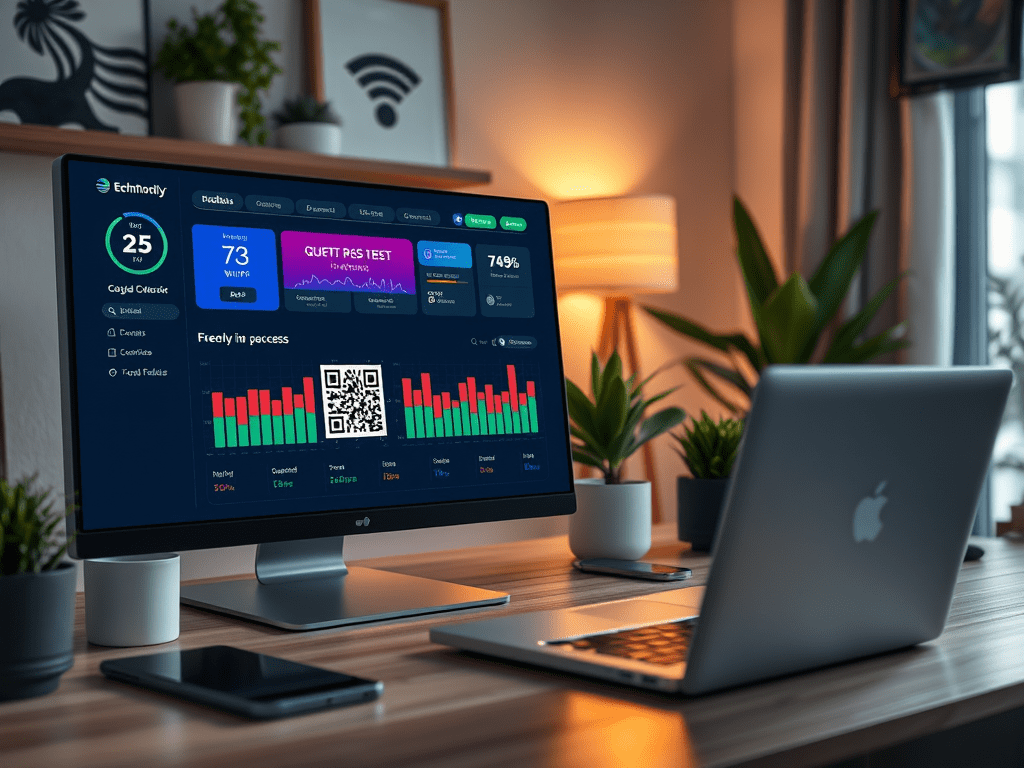
Setting Up Your Guest Network QR Code
Implementing this feature is easier than you might think. Here’s a quick rundown of the steps:
Continue reading “Quick and Easy Guest Network Access with Home Assistant”
Ever had guests over who needed to connect to your Wi-Fi, and you found yourself reciting your 20-character password like a spell from a wizarding school? 🧙♂️ Well, say goodbye to those days! With Home Assistant, you can create a dashboard page with a QR code that guests can scan to join your network instantly. It’s like magic, but better—because it actually works!
Implementing this feature is easier than you might think. Here’s a quick rundown of the steps:
Continue reading “Quick and Easy Guest Network Access with Home Assistant”Keeping your plants healthy and well-watered can be a challenge, especially if you have a busy schedule. With Home Assistant, you can automate the process and ensure your plants get the care they need. In this post, I’ll walk you through setting up a plant watering monitoring system using a soil moisture sensor and some simple automations.
For this project, we’ll use the TS0601 soil moisture sensor to monitor the moisture levels in the soil. When the moisture level drops below a certain threshold, an automation will be triggered to alert you and signal with your smart lights.
Continue reading “Monitoring Plant Watering with Home Assistant”One of the great joys of having a smart home is automating mundane tasks—but when you add renewable energy into the mix, the fun (and savings) multiply. Imagine using your dishwasher and washing machine only when your solar panels are producing excess energy or electricity prices are negative. Not only do you save money, but you also pat yourself on the back for being environmentally conscious. Let me walk you through how I accomplished this with Home Assistant, a little bit of automation magic, and some good old-fashioned solar power.
Picture this: the sun is shining, your solar panels are cranking out kilowatts like nobody’s business, and instead of letting that energy go back to the grid for peanuts, you’re using it to run your power-hungry appliances. For me, this means the dishwasher and washing machine—two machines that, without automation, seem to have their own agenda (and it’s not solar-friendly).
The plan was simple:
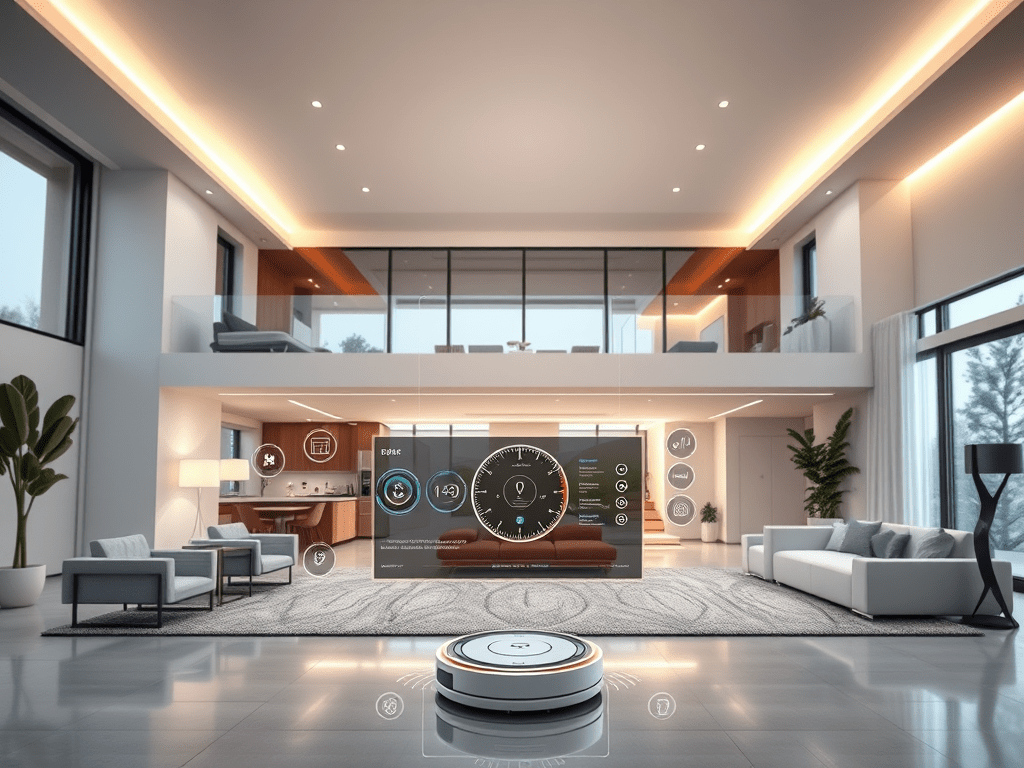
Continue reading “Harnessing Excess Solar Energy to Power Your Appliances with Home Assistant”In the world of smart homes, automation is key to convenience and efficiency. One of the most satisfying automations in my home is the vacuuming process, controlled entirely by Home Assistant. This system keeps my home clean without requiring me to lift a finger (most of the time). Here’s how it works and how you can replicate it in your own smart home.
To manage the automation, I built a custom Home Assistant dashboard that acts as the control center for my vacuuming system. Here’s a snapshot of the dashboard layout:
Continue reading “Automating Vacuuming with Home Assistant: A Smarter Way to Clean Your Home”Imagine this: you come home, and everything just works. No fumbling for switches, no worrying about watering your plants, and no dragging out the old vacuum cleaner. In my smart home, this is the reality. Here are my top five favorite features that make life easier and more efficient.
Gone are the days of flipping light switches. My smart home uses MMWave sensors to detect movement in every room. If you walk in, the lights turn on; if you walk out, they turn off.
The light intensity adjusts based on proximity. Enter a room, and the lights shine brightly to welcome you. Linger nearby, and they’ll dim to a softer glow. Additionally, the white color temperature adjusts throughout the day, with a night mode ensuring no one is blinded by bright lights during late-night hours.
For those who prefer manual control, wall panels are still available. It’s the perfect blend of automation and accessibility.
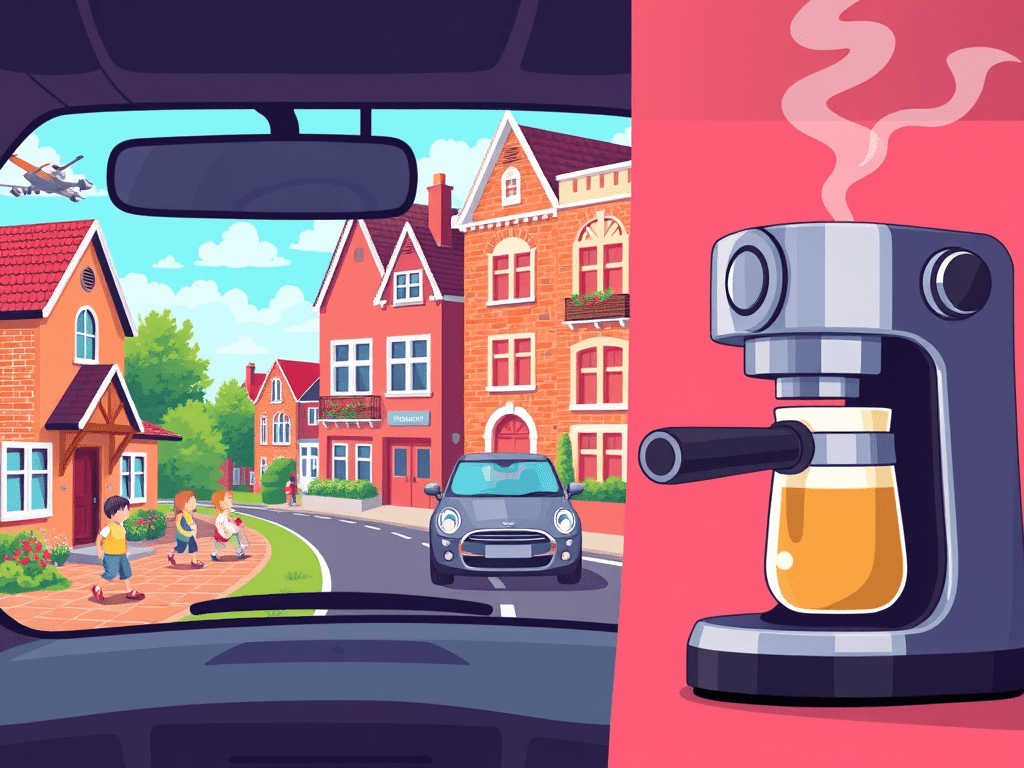
Continue reading “From Lights to Plants: How My Smart Home Simplifies Life”Who doesn’t love waking up to the aroma of freshly brewed coffee? For many of us, a perfect flat white is the ideal way to start the day. But what if you could automate your espresso machine to turn on just when you need it? With Home Assistant, you can do just that! In this post, I’ll share how I automated my espresso machine to turn on when I drop off my kids at school, ensuring a hot cup of coffee is ready when I get back home. 🚗🏫
The automation leverages Home Assistant’s zone feature to detect when I leave the school zone after dropping off my kids. The espresso machine is connected to a smart switch, allowing me to control it through Home Assistant. The machine is turned on only during the morning drop-off times, ensuring it doesn’t activate in the afternoon or evening. If I don’t return home within 20 minutes, the machine is automatically turned off to save energy. 🌍💡
Here’s a step-by-step breakdown of the automation:
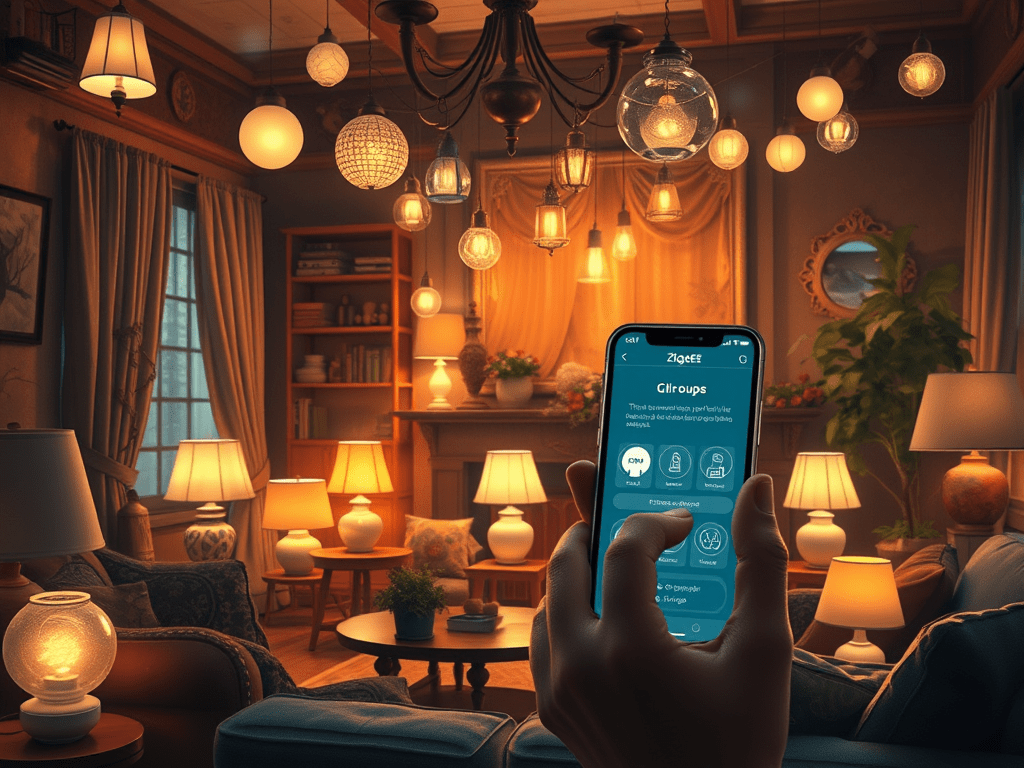
Continue reading “Effortless Mornings: Automate Your Espresso Machine with Home Assistant ☕🤖”In the world of smart homes 🏠, Zigbee networks are a popular choice for connecting a multitude of devices. However, as the number of devices increases, maintaining network reliability can become a challenge. In this article, we’ll explore how using Zigbee groups can reduce network traffic and improve reliability, based on my personal experience with a large Zigbee network.
With around 150 devices in my home, I started experiencing issues where some lamps wouldn’t turn on or off as expected. After some investigation 🔍, I discovered that the high traffic on the network was causing these reliability issues. This is a common problem in larger Zigbee networks, where the sheer volume of messages can overwhelm the network.
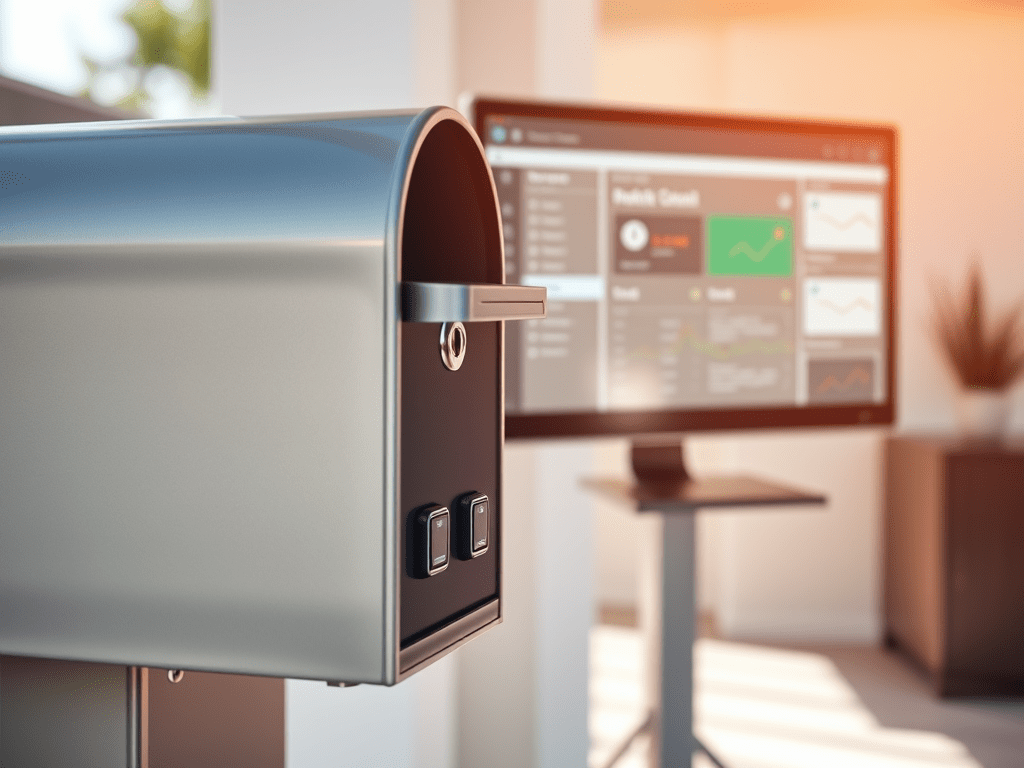
Continue reading “Improving Reliability in Larger Zigbee Networks Using Zigbee Groups”Imagine never having to wonder if there’s mail in your mailbox again. With a simple yet effective home automation setup, you can receive instant notifications on your dashboard whenever mail is delivered. Even better, the system automatically resets the alert when you empty the mailbox, ensuring you always stay updated without any manual intervention. Let’s dive into how you can achieve this seamless automation using Home Assistant and a couple of door sensors.

To create this automation, you’ll need two door sensors: one on the inlet of the mailbox and the other on the door you open to retrieve the mail. Here’s a step-by-step breakdown of the YAML code that makes this magic happen:
Continue reading “Monitor Your Mailbox with Home Assistant Automations”In the realm of smart home automation, customization is key to creating a personalized environment. Home Assistant excels in this area, particularly with its badge customization on your dashboard. By displaying dynamic information at a glance—such as current weather conditions, the status of lights, and important alerts—your interface becomes not only visually appealing but also incredibly intuitive. This tailored experience allows you to efficiently manage your smart home while staying informed about essential updates. Dive into the world of badge customization and transform your Home Assistant dashboard into a hub of information and style.
In the realm of smart home automation, customization plays a crucial role in creating a personalized environment. Home Assistant excels in this area, particularly with its badge customization on your dashboard.
With the ability to display dynamic information at a glance—such as current weather conditions, the status of lights, and important alerts—your interface becomes not only visually appealing but also incredibly intuitive. Imagine seeing a weather icon that changes color with temperature fluctuations or showcases device statuses in real-time.
Continue reading “Customizing Badges in Home Assistant: A Complete Guide”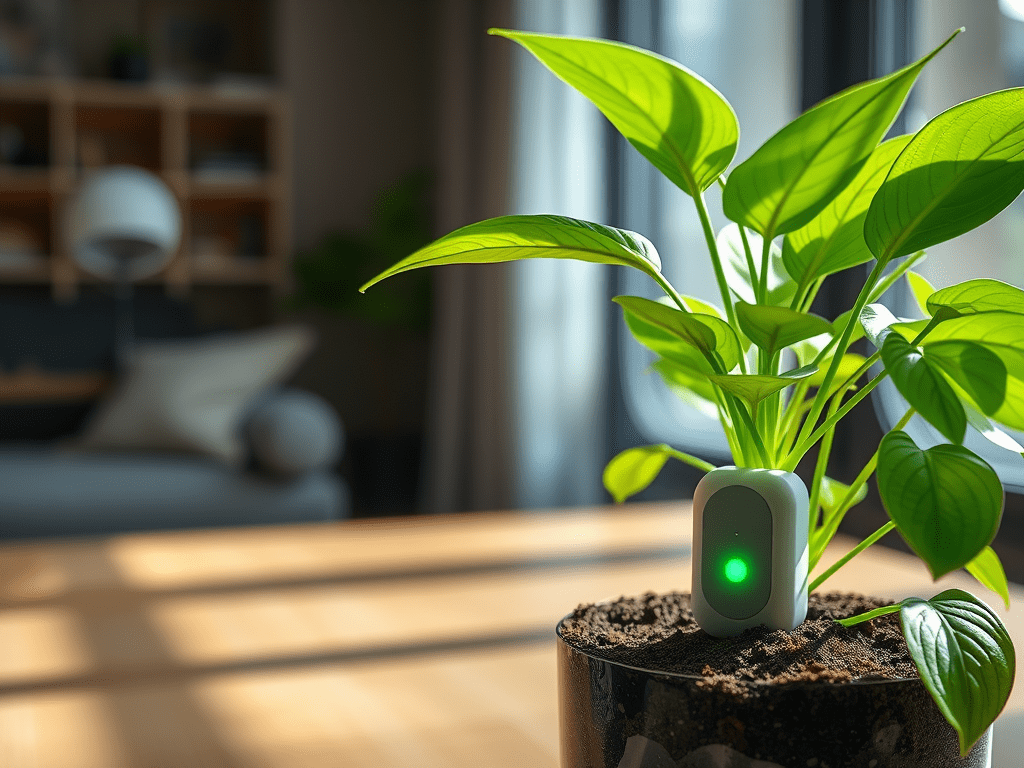



 { Think Rethink }