
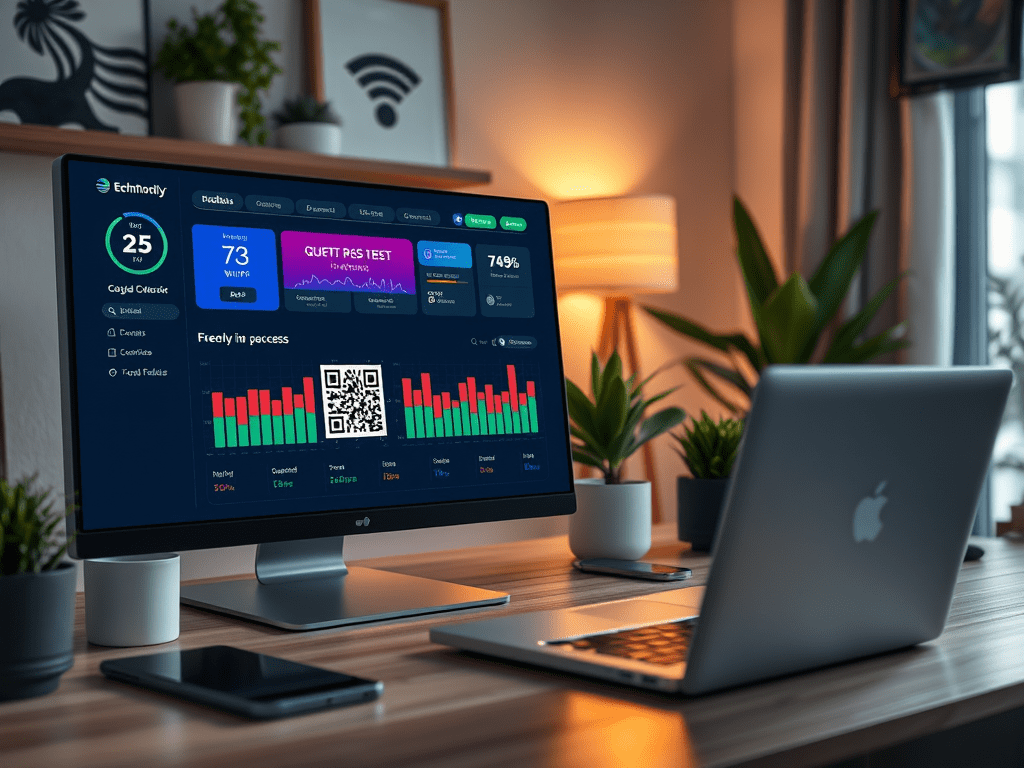
Setting Up Your Guest Network QR Code
Implementing this feature is easier than you might think. Here’s a quick rundown of the steps:
- Create a new dashboard page in Home Assistant.
- Add a QR code widget or image to the page. If you know the uri, add the uri in the widget or use the QR available in your router as image.
- Customize the dashboard to make it look inviting and user-friendly.
- Save and deploy the dashboard.
Now, whenever a guest needs to connect to your Wi-Fi, just direct them to the dashboard page, and they can scan the QR code to join the network. No more awkwardly spelling out your Wi-Fi password!
Wrapping Up
So, next time you have friends over, impress them with your tech-savvy setup. They’ll be connected to your guest network faster than you can say “Wi-Fi wizardry!” 🧙♀️✨

 { Think Rethink }