
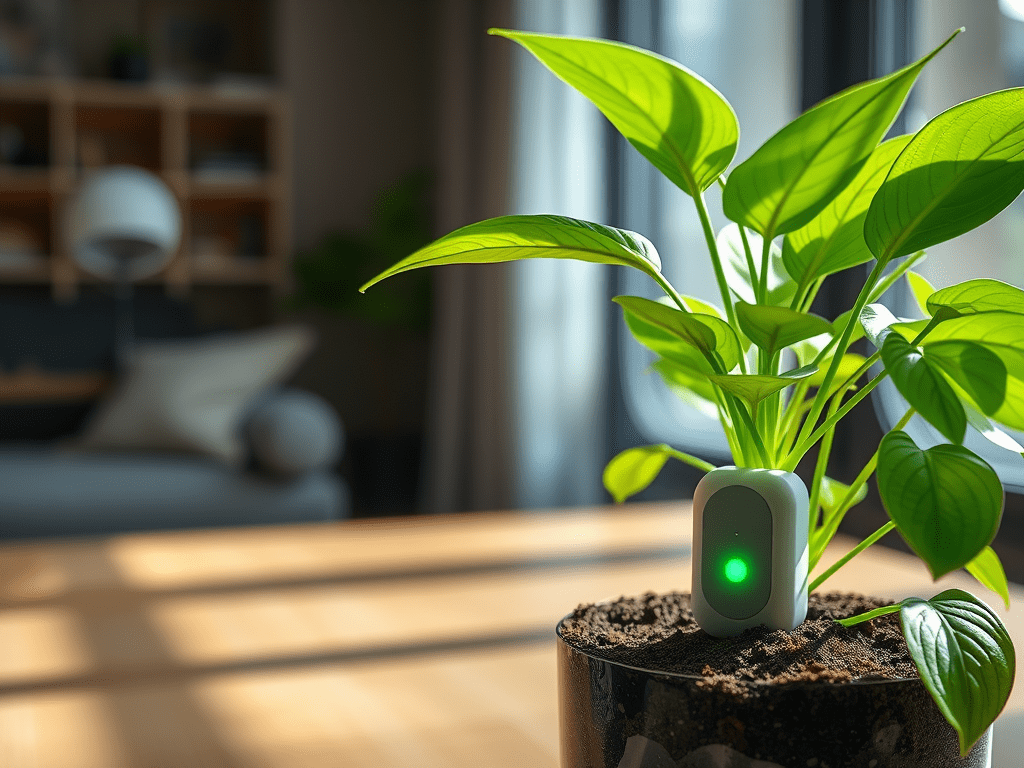
The Setup
For this project, we’ll use the TS0601 soil moisture sensor to monitor the moisture levels in the soil. When the moisture level drops below a certain threshold, an automation will be triggered to alert you and signal with your smart lights.
Components
- Soil Moisture Sensor: TS0601 soil moisture sensor
- Home Assistant: For managing automations and alerts
- Smart Lights: To signal when the plants need water
Automation Workflow
- Sensor Setup: The soil moisture sensor reports the moisture level in the soil.
- Trigger Automation: When the moisture level drops below 50%, an automation is triggered.
- Alert Notification: An alert is sent to your phone.
- Light Signal: Your smart lights blink green every few minutes to indicate the plants need water.
- Stop Automation: Once the plant is watered and the moisture level rises, the automations are stopped.
Configuration
Here’s the configuration for the sensor and automation in Home Assistant:
Sensor Configuration
sensor:
  - platform: template
    sensors:
      alert_plant:
        value_template: "Watering"
        attribute_templates:
          details: "Office plant needs water"
          level: "info"
          custom_icon: mdi:flower-outline
          custom_color: "green"
          alert: "{{ states('sensor.office_plant_soil_moisture') | int < 50 }}"
Automation Configuration
automation:
  - alias: Alert plant watering
    description: ""
    trigger:
      - platform: template
        value_template: "{{ state_attr('sensor.alert_plant', 'alert')}}"
        id: "on"
      - platform: template
        value_template: "{{ state_attr('sensor.alert_plant', 'alert') == false }}"
        id: "off"
    condition: []
    action:
      - choose:
          - conditions:
              - condition: trigger
                id: "on"
            sequence:
              - service: notify.mobile_app_sm_a7050
                data:
                  message: "Plant office needs water care"
              - repeat:
                  count: 2000
                  sequence:
                    - delay:
                        seconds: 300
                    - service: script.turn_on
                      data:
                        variables:
                          light_color: green
                      target:
                        entity_id: script.light_alert
          - conditions:
              - condition: trigger
                id: "off"
            sequence: []
    mode: restart
Conclusion
With this setup, you can ensure your plants are always well-watered without having to constantly check their moisture levels. The automation will alert you and signal with your smart lights, making plant care easier and more efficient.

 { Think Rethink }